
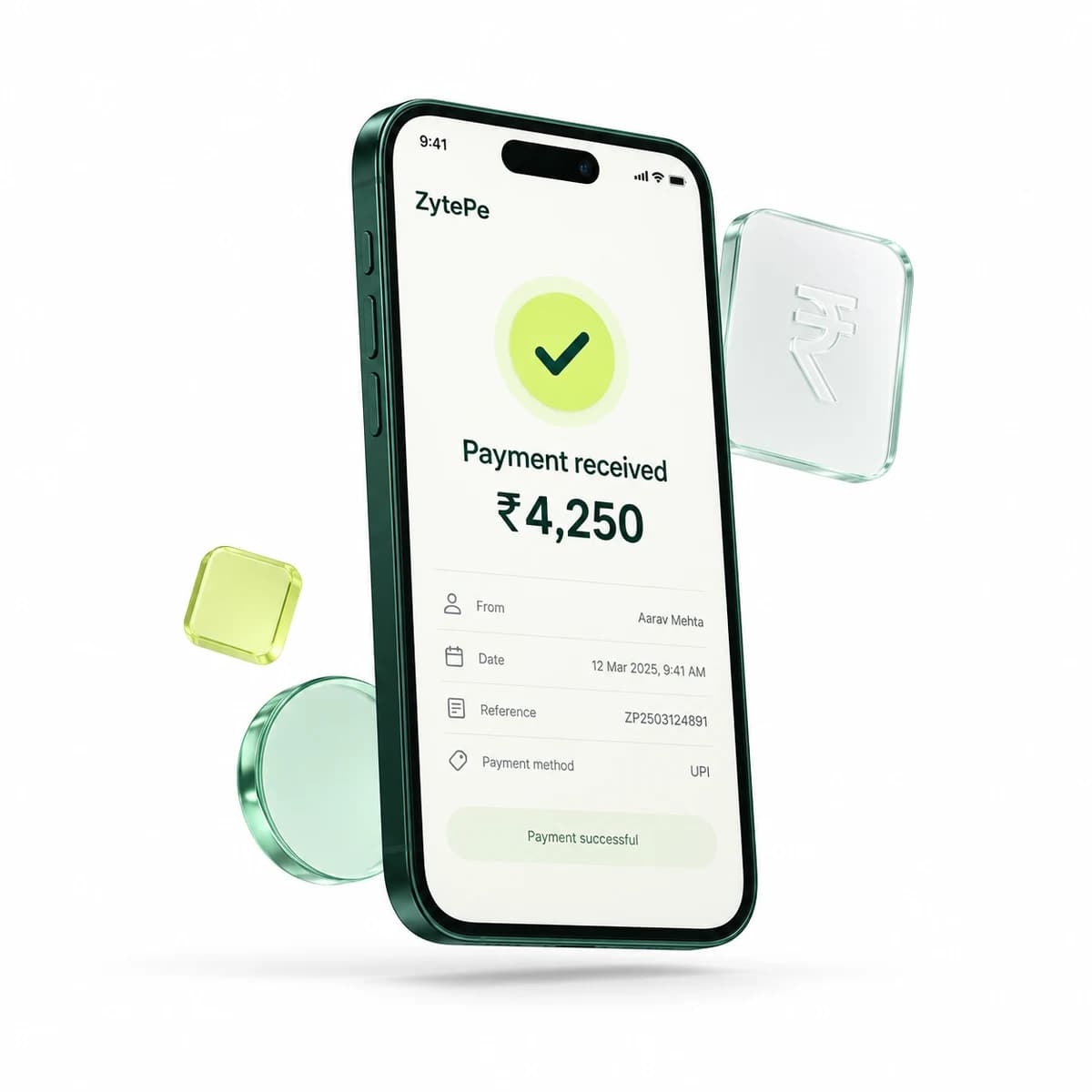
Choose the customer journey first. Then design a reliable way to connect the confirmed payment to the order.
One payment method, different entry points
UPI is the instant payment system developed by NPCI. A QR code, an app-opening intent and a hosted payment page are ways a customer can reach a payment experience; they are not three separate settlement systems. For a merchant, the important distinction is how the customer starts the payment and how the business retrieves its result.
Use order-specific QR when the customer can scan
A dynamic QR can be created for a particular order or payment request. It is useful when a customer has a phone available while viewing a desktop checkout or a merchant display. Keep the order reference next to the requested amount and give the customer an obvious way to check progress. A generated QR is a payment request, not proof that funds have been received.
Use intent for a mobile-first handoff
An intent flow lets a customer continue from a mobile checkout into an available UPI app. Explain the handoff before opening the app and preserve the order context when the customer returns. Do not treat the return to your website as a successful payment: the app can be closed, the network can fail, or the result can still be pending.
Use hosted checkout to reduce interface work
A hosted checkout gives your business a payment page without building every screen itself. In ZytePe’s documented flow, your backend creates the session and stores the returned payment ID alongside the order. Redirect the customer to the returned checkout URL. Confirm the result on your server through the agreed callback or status workflow before fulfilling the order.
Design the uncertain state too
A clear pending screen is as important as a success screen. Show the order reference, explain how the customer can return to the order, and avoid prompting another payment until the first result has been checked. Confirm the methods enabled for your merchant account and test both completion and interruption scenarios before going live.
Sources & further reading
Industry references support the concepts above. ZytePe capabilities and integration details are described in the linked product documentation.